
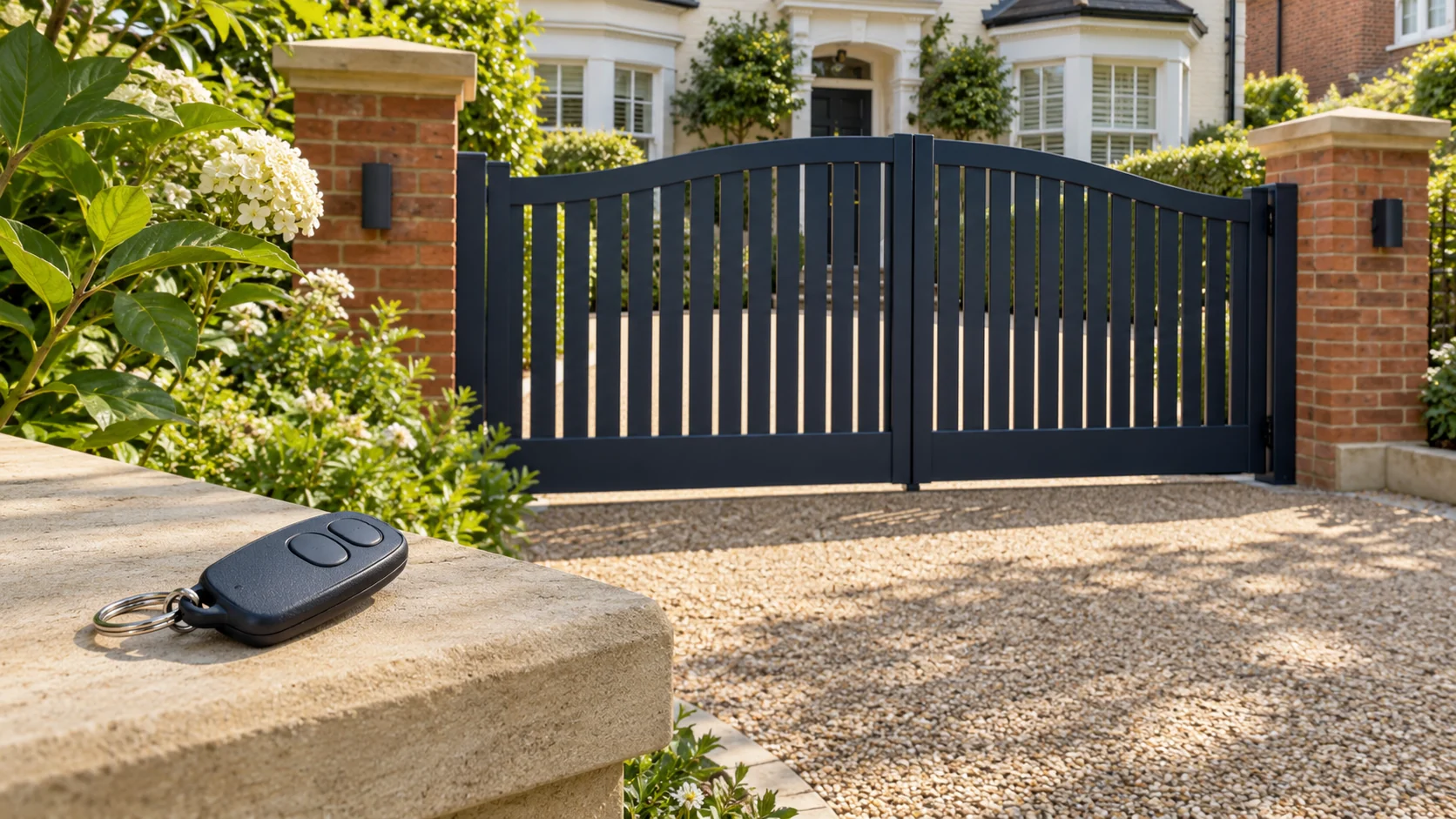
An electric gate remote that stops working does not, by itself, show that the gate motor has failed. The fault could involve the handset, its battery, the radio receiver or the wider gate system. The most useful starting point is what you have already noticed: does a second authorised remote still work, and do the usual keypad or intercom controls behave differently?
A light on the remote is not confirmation that the gate has accepted the command. Equally, an entrance that stays shut is not a reason to order a replacement motor. Describe the symptoms first, then have the relevant equipment checked before buying parts. This guide explains how to prepare for that conversation without opening electrical enclosures or altering the gate's safety settings.
Start with the gate's condition, not repeated button presses
Before trying another control, look from a safe position outside the gate's movement area. If the gate is damaged, hanging unevenly, moving unpredictably or presenting a trapping risk, stop using it and arrange competent assistance. Keep people away from the hazard. Do not repeatedly command a gate that has already behaved dangerously just to see whether the remote works this time.
The HSE's powered-gate safety basics explain the need to keep these systems safe and take dangerous equipment out of use. Follow the installation's documented emergency arrangements where it is safe to do so. Do not improvise a manual release, bridge a safety input or reach into a motor housing. If you cannot access the property safely, explain that when requesting help so temporary access can be discussed.
What happens between pressing the remote and the gate moving?
For a radio-controlled installation, the handset sends a command that a compatible receiver must recognise. The gate controller then has to act on the relevant input, within the installation's operating and protective arrangements. That creates several places for an investigation to start; the remote is only one part of the process.
Ask the contractor to distinguish three questions: is the handset transmitting the intended command, is the receiver recognising it, and is the gate controller able to carry it out? Those questions help define the investigation. They do not require you to open the control box or check live terminals. A handset indicator alone cannot answer all three, and different installations can use different receiver and controller arrangements.
One remote has failed, but another still works
If a second authorised handset has recently operated the gate normally, mention that first. It gives the engineer a useful comparison and makes an individual handset or its enrolment worth investigating. It does not prove which component is faulty, particularly if the problem is intermittent or the two observations were made under different conditions.
Check the failed remote's identification against its instructions. A battery replacement may be an appropriate user task where the manufacturer provides a procedure. Use the specified battery and polarity; do not substitute a different type because it fits. If the case is damaged, has been wet or will not open as described, stop and ask the supplier or installer rather than forcing it apart.
For one specific example, Nice's Era Flor instructions describe reduced range and a delayed or dim indicator as possible signs of an exhausted battery. These are model-specific observations, not a universal fault code for every remote. The correct manual matters more than a generic online button sequence.
All the remotes have stopped working
Several handsets failing around the same time warrants a different discussion from one damaged fob. Tell the contractor whether the usual keypad, intercom release or another authorised control has continued to work. Use observations from normal, safe operation; there is no need to repeatedly cycle the entrance or involve neighbours in an improvised test.
If another control still operates the gate, the radio command path is a reasonable area for the engineer to investigate. That is a diagnostic lead, not proof that a new receiver is required. If none of the normal controls works, the investigation needs to cover the installation more broadly. Note any known power interruption, recent work or change in behaviour, without opening electrical equipment to look for a cause.
Where the gate responds by opening but then stays open, the symptom needs a different assessment. Our guide to electric gates that open but will not close covers that distinction. A working opening command does not establish why the closing movement is unavailable.
The remote works only close to the gate
Reduced range is useful information, especially if it is a recent change. Record where you normally use the remote and whether the behaviour varies by time or handset. Compare like with like where ordinary use allows: a report that one fob works from the drive while another fails from inside a vehicle needs that context attached.
Battery condition and radio interference are among the possibilities described in manufacturer guidance, but distance alone is not a diagnosis. Avoid buying a range extender or moving an aerial on that evidence. Give the engineer the observations and ask whether the transmitter, receiver installation and local radio conditions need checking. Do not walk into the gate's swing or travel area to find the closest point at which it responds.
A matching-looking replacement may be the wrong remote
Before ordering a replacement, establish the handset model and the receiver it must work with. Appearance is not enough. Manufacturer instructions specify compatible coding systems and receiver arrangements; the Nice example above also directs users to the relevant receiver or controller instructions for memorisation. A product described simply as a gate remote is not a compatibility assessment.
Provide photographs of accessible handset labels and any existing installation paperwork. Let the engineer identify equipment inside electrical enclosures. Ask the supplier to confirm compatibility and explain what programming or enrolment is included in the price. If the original model is unavailable, request an explanation of the proposed replacement route before agreeing to change other equipment.
For a shared entrance, the managing agent or person responsible for access should authorise new handsets. Avoid following a generic reset procedure: it may change settings or remove access that other residents depend on. If a remote is lost, ask whether that particular system can remove its access and what the consequences would be for the remaining users. Do not assume every receiver supports the same management functions.
A button works differently, or only one gate leaf opens
Different buttons may be assigned different functions. For example, the manufacturer's programming arrangements may allow a button to be associated with a chosen controller command. An unexpected response therefore needs to be compared with the intended setup, rather than immediately attributed to a failed motor.
Explain which button you used, what normally happens and what happened this time. If only one leaf moves, record whether this is the usual pedestrian-access function or a new symptom. The engineer can check the command assignment and the installation's behaviour together. Do not alter programming merely to make both leaves move, and do not assume an intercom that rings successfully has also delivered a valid opening command.
What to tell the repair contractor
A short factual description is more useful than a list of parts you think need replacing. For help with the entrance's remotes, keypads and access controls, prepare the information available without dismantling anything:
- The handset brand and model, where readable, plus any installation or maintenance paperwork.
- Whether one remote or every remote is affected, and what other controls have done during normal use.
- Whether there is no response, delayed response, reduced range or an unexpected movement.
- When the issue began, whether it is intermittent, and any known damage, power interruption or recent work.
- Whether the entrance serves one home or several, and who can authorise access changes.
If the original installer is unavailable, say so when booking. Read about having gates repaired by another company for the records and access arrangements that can help a new contractor assess the installation. Keep remote programming details and access codes private; provide them only through an agreed secure process if they are needed.
Agree the repair scope and check the handover
Ask for the diagnostic work to be distinguished from any proposed replacement. A quotation should make clear whether it covers a handset, enrolment, receiver work or investigation of a wider gate fault. Confirm how additional work will be approved. A remote problem alone is not a sufficient explanation for replacing the whole automation system; the contractor should identify the fault and justify the recommended scope.
Before the job is closed, use this practical handover checklist with the responsible contractor:
- Confirm which fault was found and which equipment or settings changed.
- Confirm the intended function of each supplied button and any retained access controls.
- Agree how authorised users will receive their remotes and operating instructions.
- Record the equipment details, future battery guidance and who to contact if the symptom returns.
The aim is a working entrance with understood controls and a documented repair. Keep the explanation, invoice and updated instructions together so the next person maintaining the gates can see what was changed.