
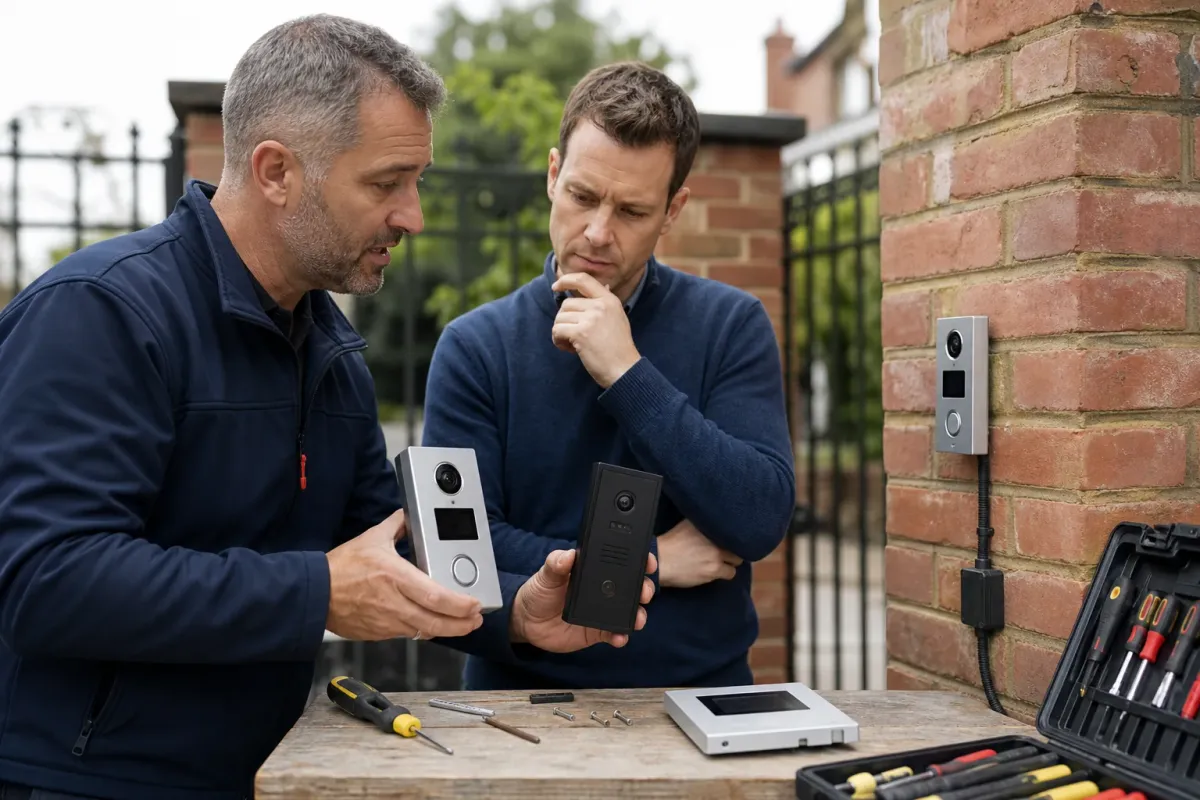
Compare a complete visitor workflow
Start with where the call should ring, whether you need video on a phone or indoor screen, and how you will grant access. Include more than one resident and a fallback for someone without an app.
Request the outdoor station, indoor unit, power supply, network equipment and gate-release interface in each quotation. A monitor and a door station perform different roles and are not direct substitutes.
A documented Comelit example
Comelit identifies the 6741W Mini Wi-Fi monitor as a component for Simplebus 2 video-entry systems. Its app registration guidance names compatible devices. Confirm the complete outdoor-station and interface arrangement for a gate installation.
This gives an existing Simplebus household a specific configuration to investigate. It does not prove compatibility with an unrelated controller or establish the full system cost.
A documented Hikvision example
Hikvision’s DS-KV6113-WPE1(C) datasheet describes a villa door station with a 2 MP camera, standard PoE and Hik-Connect support. Use the exact model suffix when comparing specifications.
Ask which indoor station or other components the proposed setup needs, how calls and recording work with the chosen firmware, and how the gate connection will be commissioned. The datasheet is not a promise about every Hikvision model.
Choose on support and ownership
Compare the demonstration, cable routes, ongoing charges, account ownership and the process for removing users. Confirm recording and privacy arrangements for your actual entrance. No intercom brand makes every installation automatically compliant.
Ask the supplier to confirm availability, supported updates and warranty terms. These product examples are not an endorsement, price offer or confirmation that we supply either configuration. Use our intercom checklist when discussing video-entry installation.