
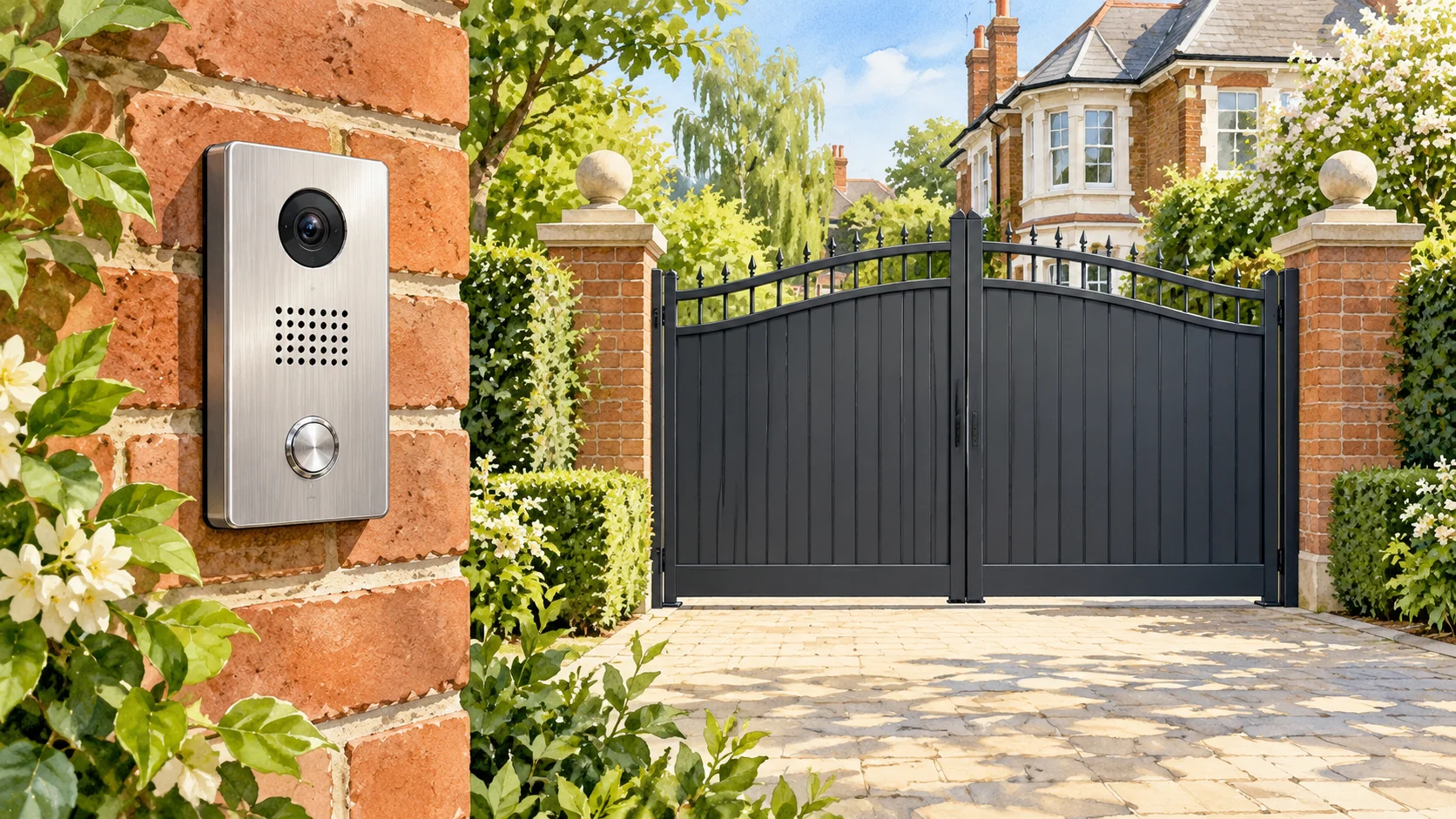
If your gate intercom rings and you can speak to a visitor, but the gate stays closed when you press the release button, the fault needs tracing beyond the call itself. You may have a problem with the release command, the intercom's output, the connection to the gate controller or the gate installation. A successful conversation does not prove that the opening command reached its destination.
You do not necessarily need a new intercom or new gate motors. Start with a clear account of what still works, which users have the problem and what changed before it began. An engineer can use that information to narrow the investigation and explain whether a repair, configuration change or replacement makes sense.
Keep people clear before investigating
Do not keep pressing release while somebody pushes or pulls the gate. Keep visitors, children and vehicles outside its movement area. If the gate moves unpredictably, has visible damage or presents an electrical hazard, stop using it and contact a competent contractor. Follow the documented safe shutdown arrangements for your installation if you can do so without approaching danger.
The HSE's powered-gate safety guidance explains why dangerous gates should remain out of use until the safety concerns have been addressed. Do not bridge terminals, remove covers or bypass a safety device to see whether the gate will move. Use another safe entrance if one is available. Tell the contractor if you cannot enter or leave the property through your normal route.
Describe exactly what happens during the call
Separate the sequence into observations. Does the visitor's button ring the indoor handset, your mobile or both? Can each person hear the other? Does the screen show the expected entrance? What happens after you use the normal release control? Record an error message or unfamiliar symbol without assuming what it means.
Give the engineer a short description such as: the front-gate call reaches both residents, audio works, but neither resident can open the vehicle gate from the call. That provides more useful information than saying the whole intercom is dead. If the pedestrian entrance still releases, name it separately so the engineer knows there are different entrances or outputs to investigate.
- Identify the intercom make and model from your paperwork or an accessible external label.
- Note whether all residents are affected or only one phone, handset or app account.
- Record when the fault started and whether it followed a phone change, router replacement, service visit or power interruption.
- Describe what the other authorised controls did during recent normal use, without repeatedly operating a suspect gate for a test.
The remote works but the intercom does not
If your usual remote opened the gate during normal use but the intercom release did not, tell the contractor. That comparison can help focus the first checks on the intercom's command route. It does not certify the gate as safe or rule out an intermittent fault elsewhere.
If you have a remote that also fails to open the gate, include that detail before booking an intercom replacement. Ask the contractor to assess both symptoms together. You want to avoid paying for a new entrance panel only to discover that the gate still refuses commands from several controls.
Keep the timing precise. A remote that worked last month provides different evidence from one that worked just before the intercom failed today. Note whether the entrance has behaved consistently since then, and leave controlled fault testing to the engineer if there is any concern about its movement.
A mobile call connects but the release key does nothing
Telephone-based intercoms may use keypad tones, known as DTMF, to recognise a release instruction during a call. Commtel's intercom fault-finding advice describes cases where users can answer but cannot open the entrance because the equipment does not recognise those tones. Its guidance identifies Wi-Fi Calling and network conditions as possible factors for its systems. This is a product-specific investigation route, not proof that your mobile network caused the fault.
Tell the engineer which phone receives the call and whether the problem started after changing the phone, provider or calling settings. Follow the user instructions for your own intercom; do not copy release keys or programming sequences from a different model. An authorised administrator or manufacturer support team can confirm the correct procedure before anyone changes the stored settings.
A video picture appears but the app will not open the gate
Treat the picture, the on-screen command and the physical gate response as separate observations. Ask the administrator to confirm that your account has access to the intended entrance and that the release control addresses the correct output. This matters particularly where one system serves a vehicle gate and a pedestrian door.
For example, 2N's switch configuration documentation describes configurable outputs, activation methods and switch behaviour. The available options depend on the device and setup. Do not assume that a similar-looking button in another manufacturer's app performs the same function, or change output timing to compensate for an unexplained failure.
Send the contractor a screenshot of the error or button state if it helps, with names, access codes and account details removed. Keep passwords private. If an installer needs access to administer the system, agree an authorised method and who will control the account after the work.
A click or confirmation does not identify the failed part
An engineer needs to establish what the intercom actually switched and whether the connected equipment received the expected instruction. A relay is a switching component; hearing a click does not establish the condition of everything connected after it. Describe the sound if you already noticed it, but do not stand beside moving hardware to listen for it.
Manufacturer equipment also offers different output arrangements. Aiphone's RY-IP44 network adaptor has configurable contact outputs that can respond to door release or call activity. That example shows why the engineer must identify the installed hardware and its configuration before interpreting a response. It is not a recommendation to add that adaptor to an unrelated system.
Ask for a diagnosis that distinguishes the entrance panel, any interface or lock equipment, the cable connection and the gate controller. Where the investigation identifies a wider gate fault, the quotation should explain that scope rather than describe all work as an intercom repair.
Decide whether to repair or replace the intercom
Repair is worth considering when the contractor can identify the fault and support the proposed fix. Ask which part or setting needs attention, how the diagnosis was reached and what evidence will confirm that the work resolved your particular symptom. A quotation for a replacement panel should say why the existing panel cannot sensibly be retained.
Replacement may be worth comparing if suitable parts are unavailable, the existing equipment no longer supports the access arrangements you need, or the contractor cannot offer a dependable repair. Ask for those limitations in writing. Age alone gives you little basis for choosing between an isolated repair and a complete system change.
Keep the scope clear. Replacing the intercom does not automatically mean replacing the driveway gates, motors, indoor monitors and every cable. Equally, you should not assume those components will work with a new panel. Ask the installer to list what can remain, what needs replacement and what still requires inspection. Our guide to choosing a gate intercom covers the broader purchasing decision if replacement becomes the preferred option.
Compare quotations against the same fault and access needs
Request an itemised proposal so you can see what each contractor has allowed for. A lower total may exclude cable investigation, indoor equipment or account setup that another quote includes. Avoid choosing solely on the appearance of the outdoor panel when your main problem is unreliable release.
- Ask the contractor to record the reported symptom and the findings from inspection.
- Request separate descriptions of repair work, replacement equipment and optional upgrades.
- Confirm which existing controls and entrances the completed system will support.
- Ask about any ongoing service, connectivity or account charges before accepting a proposal.
- Agree the completion checks, documentation and arrangements for reporting a recurring fault.
For a shared London driveway, appoint one person to coordinate residents' reports and authorise changes. Provide a list of required access arrangements without circulating residents' private telephone numbers more widely than necessary. Agree how visitors will reach residents during the work and who will approve changes to communal equipment.
Check the handover before considering the job complete
Ask the engineer to demonstrate the repaired release function using the normal controls and each relevant entrance under safe conditions. If the original fault affected one particular resident, include that person's authorised device in the agreed checks. A successful demonstration from the installer's phone alone may leave your original complaint unresolved.
Get a written explanation of the work, any settings changed and any limitations that remain. Keep the user instructions and responsible contractor's details with your gate records. Ask who administers residents' access and how to request a change when somebody moves out or replaces a phone.
When arranging gate repair and maintenance, send your postcode, intercom details and a brief description of the failed release. Include what other controls still do, who experiences the fault and any recent changes. That gives the contractor a useful starting point for investigating the problem and quoting for the work your entrance needs.